Albania
 Argentina
 Australia
 Austria
 Belgium
 Bosnia and Herzegovina
 Brazil
 Bulgaria
 Canada
 Chile
Chile
 Colombia
 Croatia
 Czech Republic
 Denmark
 Estonia
 Finland
 France
 Germany
 Greece
 Hungary
 Ireland
 Italy
Italy
 Latvia
 Lithuania
 Luxembourg
 Mexico
 Moldova
 Montenegro
 Netherlands
 New Zealand
 North Macedonia
 Norway
 Philippines
 Poland
 Portugal
 Romania
 Serbia
 Slovakia
 Slovenia
 South Africa
 Spain
Spain
 Sweden
 Switzerland
 Turkey
 Ukraine
 United Kingdom
 United States of America



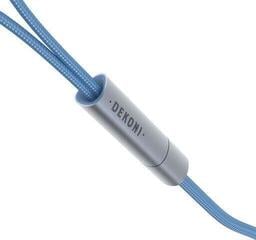
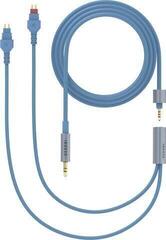
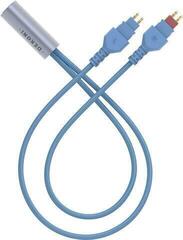
Headphone Cables
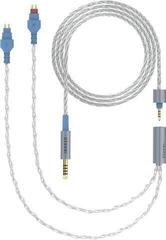
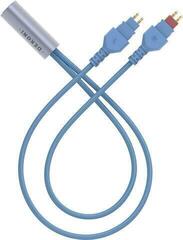
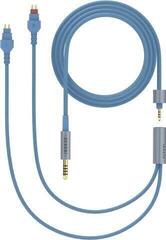
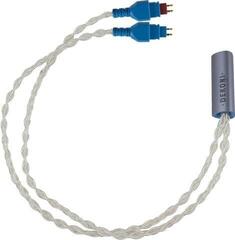
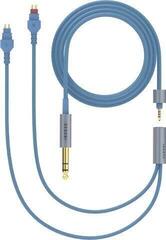
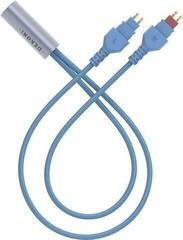
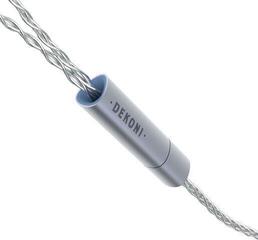
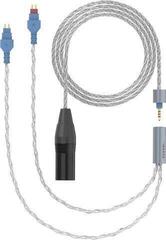
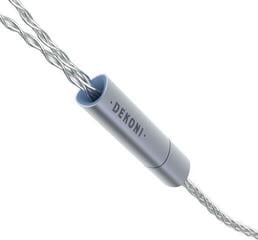
A headphone cable connects your headphones to a phone, computer, player, amplifier, or another source. When choosing one, pay attention to the connectors at both ends, a suitable length, and how the cable will be routed during use. You can replace a detachable cable only if the specific headphone model allows it and the corresponding connector is also compatible. The right choice therefore depends mainly on physical compatibility and where you will use the headphones.
Headphone cables
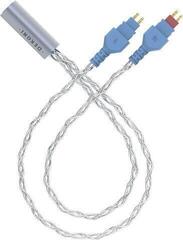
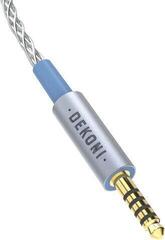
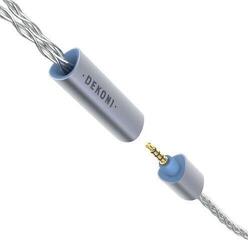
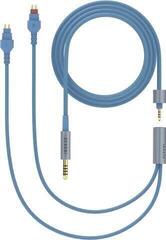
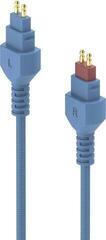
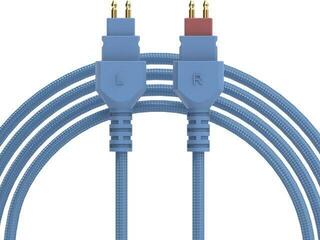
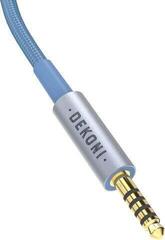
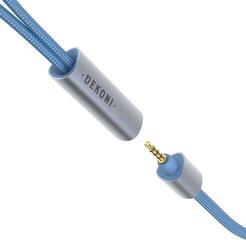
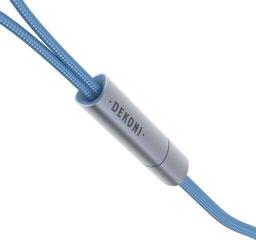
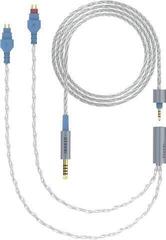
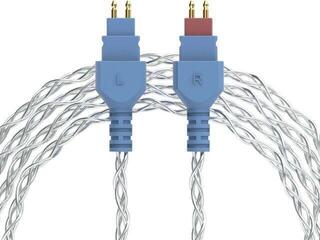
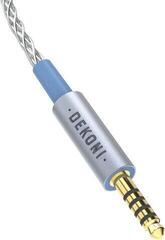
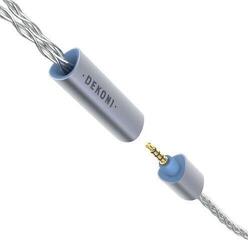
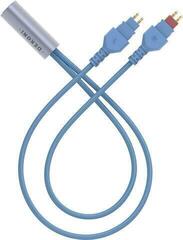
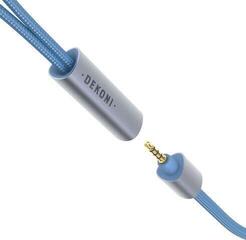
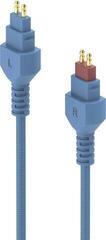
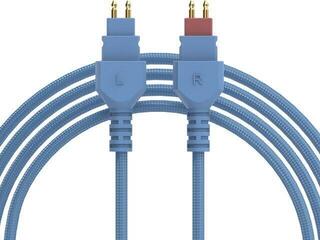
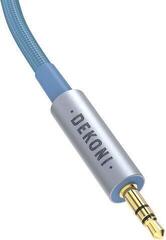
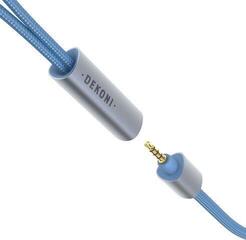
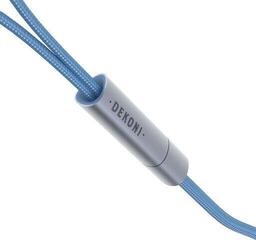
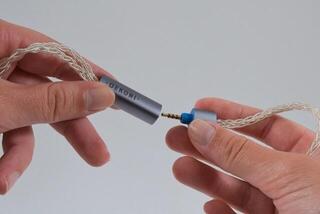
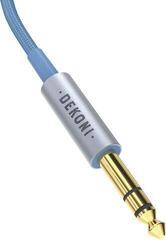
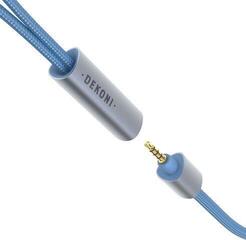
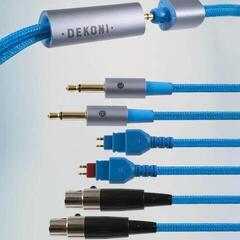
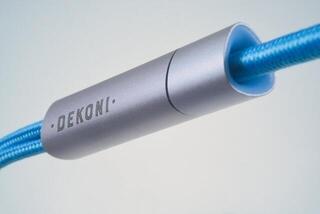
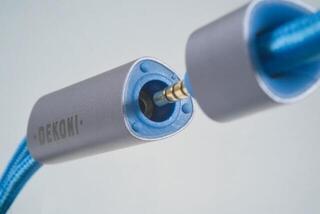
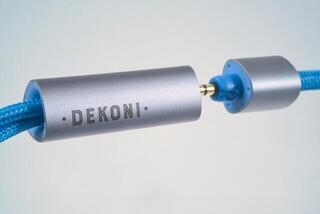
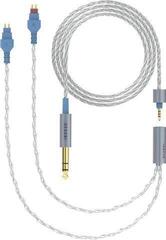
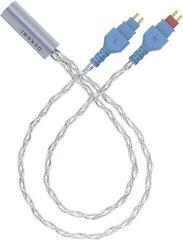
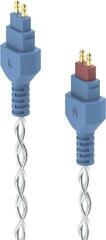
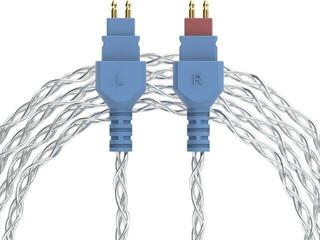
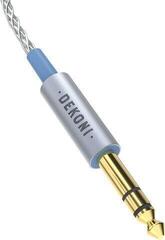
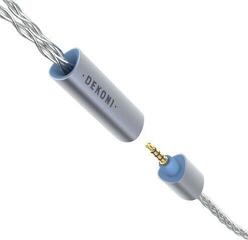
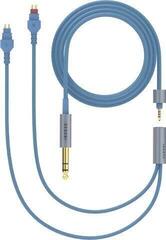
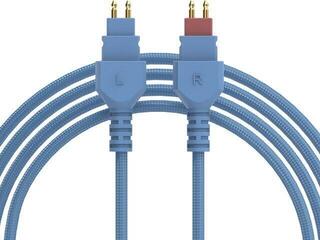
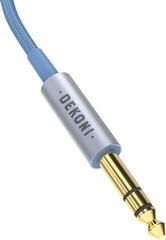
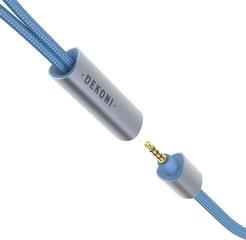
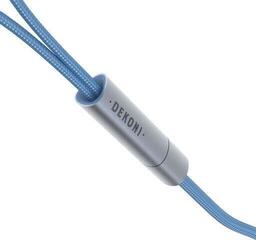
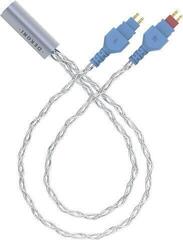
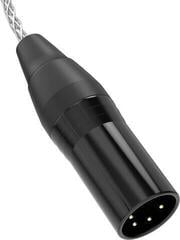
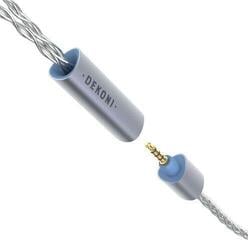
One end of the cable usually has a connector intended for the audio source, while the other has a connector or pair of connectors for the headphones. Ends that look the same do not necessarily have the same wiring, so check the type and design against both the headphones and the connected device. Also pay attention to the shape of the connector housing. A housing that is too wide may prevent the connector from fitting into a recessed socket or into a device fitted with a protective case.
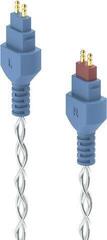
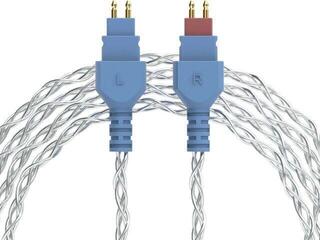
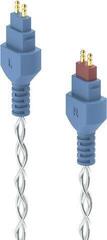
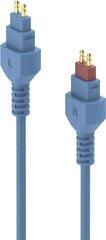
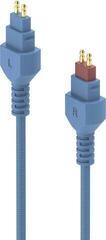
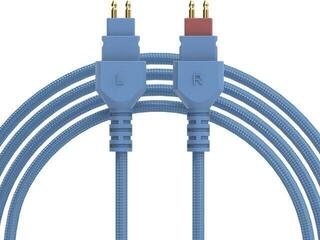
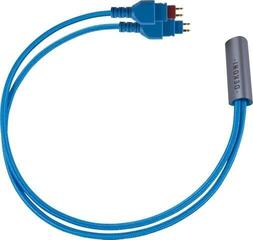
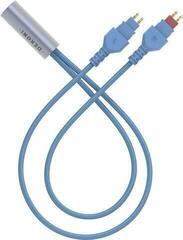
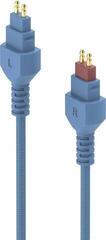
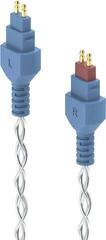
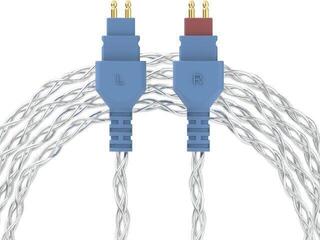
Some headphones use a single input on one ear cup, while others have separate connections on the left and right sides. On models with a permanently attached cable, replacing it yourself is not a standard user task. Do not detach or modify any part that the manufacturer has not designed to be removable.
Comparison of basic connection options
| Feature | What to check | Practical significance |
|---|---|---|
| Source-end connector | Socket type and connector shape | The cable must physically fit the device without force and without being obstructed by a case. |
| Headphone-end connector | Type, number, and location of connectors | Determines whether the cable connects to one ear cup or separately to both. |
| Fixed cable | Whether it is part of the headphone construction | It is not intended to be routinely detached and replaced with a separate cable. |
| Detachable cable | Compatibility with the specific model and the locking method | It can be detached only as permitted by the design of the particular headphones. |
| Length | Distance to the device and the required freedom of movement | A short cable may pull on the connector, while an unnecessarily long one may get caught. |
What to check before choosing
- Inspect the socket on the source device and find out which connector it accepts.
- Check the input on the headphones, its shape and location, and the number of ends to be connected.
- Verify that the headphones are designed for use with a detachable cable.
- For a detachable design, compare the cable with the requirements of the specific model, not just the connector name.
- Take the device's protective case and the space around the socket into account.
- Measure or estimate the route from the device to the headphones in the position in which you normally use them.
- Decide where to leave a reasonable amount of slack so that the cable is neither taut nor arranged in a large loop.
- Check that the route will not cross a walkway, work surface, or moving parts of furniture.
How to choose a practical length
A different length may be suitable for a phone in your pocket than for a computer under a desk or a device placed on a shelf. Consider the entire route, including bends around the edge of a desk and enough slack for head movement. The cable should not remain taut between the socket and the headphones because even normal movement can transfer pulling force directly to the connectors.
Too much slack, however, makes routing more difficult. Arrange the loose section so that it does not lie in a walkway, catch on an armrest, or get under chair casters. If you temporarily shorten the cable by coiling it, do not create sharp bends or tighten the loop enough to deform the wire.
Safe connection and routing
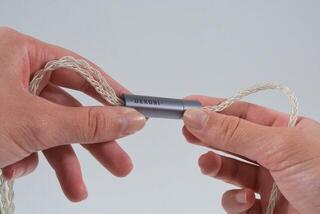
- Insert and remove the connector by holding its housing, not by pulling on the cable.
- Check the connector's orientation before connecting it, and do not use force if it does not fit naturally.
- Do not leave the cable hanging in a way that allows its weight or movement to strain the socket.
- Route it away from places where people walk, doors close, or chairs move.
- Avoid sharp bends directly next to the connector and pressure from heavy objects.
- Disconnect the cable before moving the device if it could become taut or caught.
- If the connector is loose or damaged, or the cable intermittently disconnects during normal movement, stop using it and check the connection.
A reliable connection starts with matching both ends and continues with sensible routing that does not pull on the sockets. Do not assess a connector label separately from the headphone design, the space around the port, and the intended route. This lets you choose a cable according to actual use without making assumptions about properties that cannot be determined from its appearance.