Albania
 Argentina
 Australia
 Austria
 Belgium
 Bosnia and Herzegovina
 Brazil
 Bulgaria
 Canada
 Chile
Chile
 Colombia
 Croatia
 Czech Republic
 Denmark
 Estonia
 Finland
 France
 Germany
 Greece
 Hungary
 Ireland
 Italy
Italy
 Latvia
 Lithuania
 Luxembourg
 Mexico
 Moldova
 Montenegro
 Netherlands
 New Zealand
 North Macedonia
 Norway
 Philippines
 Poland
 Portugal
 Romania
 Serbia
 Slovakia
 Slovenia
 South Africa
 Spain
Spain
 Sweden
 Switzerland
 Turkey
 Ukraine
 United Kingdom
 United States of America



Headphone Amplifiers
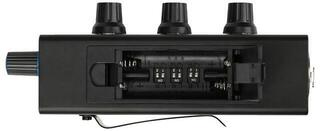
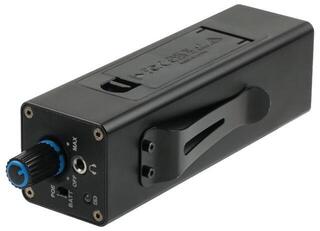
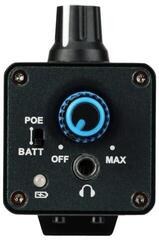
A headphone amplifier supplies headphones with a suitable signal and provides more precise volume control for listening, music production or shared recording sessions. A separate device is particularly useful when the output of a phone, computer or other source is not properly matched to the headphones, or when you need several independent outputs. It does not automatically improve the sound of every system. Before choosing, identify your source, connectors, number of listeners and headphone specifications.
Two different purposes in one category
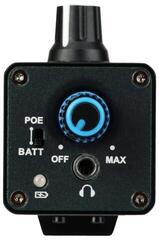
A personal headphone amplifier is designed for one listener and may be desktop or portable. A distribution amplifier in a studio splits the signal between several musicians and gives each person their own volume control. These roles overlap only partly. A small audiophile model may not serve a band, while a multi-output studio unit may not be practical beside an armchair.
| Type | Who it is for | What to check |
|---|---|---|
| Desktop model for one pair of headphones | Home listening and desk use | Inputs, gain control, output format and desk space |
| Portable | Listening away from a fixed system | Compatibility with the source, charging, dimensions and controls |
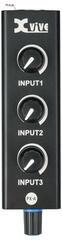
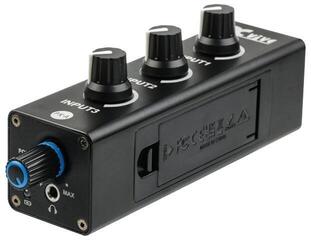
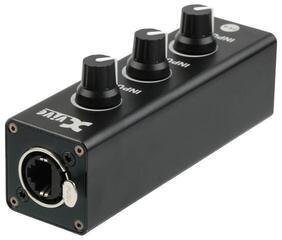
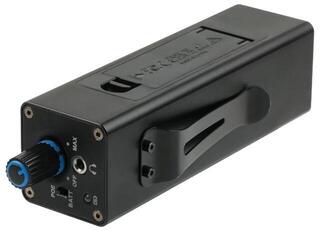
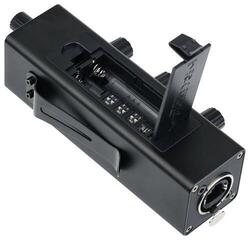
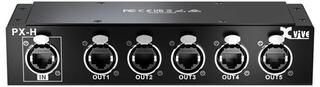
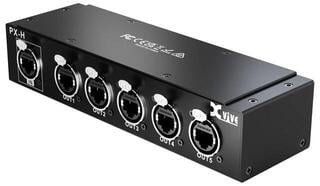
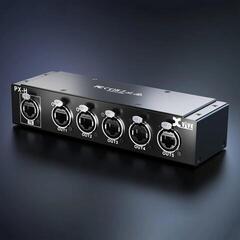
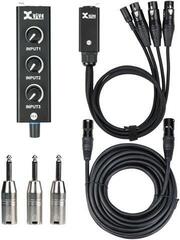
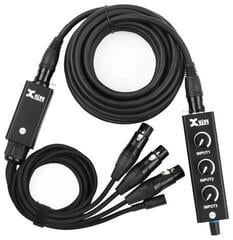
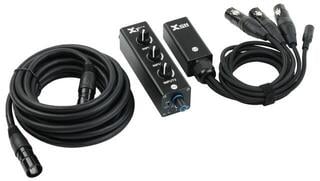
| Multi-output studio model | Band, podcast or recording room | Number of separate outputs, individual volume control and cable routing |
| With a built-in converter | Digital source without a suitable analogue output | Supported digital inputs, drivers and system compatibility |
Will an amplifier solve your problem?
If the headphones are loud enough, free from noise and driven adequately by the source, another box may not make an audible difference. If the volume is very low, the sound is distorted or control is poor, first rule out a faulty cable, an incorrect adapter and unsuitable system settings. An amplifier can provide the required level and headroom, but it cannot repair a poor recording or damaged headphones.
If you need to get sound into or out of a computer, an audio interface may be more suitable. Many interfaces already include a headphone output. Choose a separate amplifier only after determining whether you need a different connection, more outputs or a better match for particular headphones.
Impedance, sensitivity and gain
Impedance alone does not tell you how loudly headphones will play. Sensitivity and the amplifier's ability to supply the required voltage or current also matter. The manufacturer may specify power at different loads; compare figures under conditions close to those of your headphones. Extreme headroom is not the goal, as it can make fine adjustment at low volume more difficult.
A gain switch matches amplification to the input signal and headphones. Start with the lower setting. Use higher gain only when the control range is insufficient, not as equalisation or a sign of better quality. With sensitive headphones, also listen for noise at quiet levels.
Analogue amplifier or device with a converter
- A purely analogue model needs an analogue input from an audio interface, player or another source.
- A model with a digital-to-analogue converter accepts a supported digital signal and then amplifies it.
- A digital converter can be a separate part of a modular system.
- For a USB connection, check operating-system support, required drivers and power supply.
Do not pay for digital inputs that you cannot connect. Conversely, if a computer lacks a suitable analogue output, an analogue amplifier alone will not solve the problem. Draw a simple path: data source or player, conversion, volume control, amplification and headphones.
Connectors and adapters
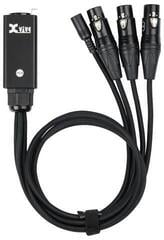
Headphones may use different connector sizes, and some amplifiers provide balanced outputs. Mechanically similar connectors do not necessarily have the same electrical wiring. Select an adapter for the exact format on both sides and avoid chaining multiple adapters, which puts strain on the socket. The cable should reach comfortably rather than hang taut across the desk.
Use a balanced headphone output only with compatible headphones and a compatible cable. Do not confuse it with a balanced line-level connection between studio devices. If you are unsure of the pin configuration, follow the instructions for both products.
Home listening or recording room
One listener
You will appreciate smooth volume control, quiet operation and inputs that match your source. For a desktop system, check that frequently used connectors are accessible from the front. A portable model makes sense only when it can connect to the source and its power arrangement suits you.
Several musicians
Each person needs their own volume, so the number of independent outputs is more important than one shared socket split with a passive splitter. Plan cable lengths and the unit's location so musicians can move without pulling the device off the desk. Different monitor mixes also require corresponding routing from the audio interface or mixing console.
Safe volume adjustment
- Turn down the volume control before connecting headphones.
- Play a familiar signal and raise the level slowly.
- Reduce the volume again when changing the gain setting or headphones.
- Do not try to overpower room noise with more amplification; better isolation and a break will help.
- Mute the output before disconnecting the device.
A musician in a recording room has a different task from someone listening at home, and in both cases the result depends on the entire system. A headphone amplifier gives you level control and may drive the headphones appropriately, but it has no universal “interference-free” effect. Choose it according to a measurable need and limit accessories to the correct cables, adapters and device protection.